

Buildium Training - Ep. 9 Communicating with Tenants and Owners
Visit apmhelp.com or email us at info@apmhelp.com to get support.
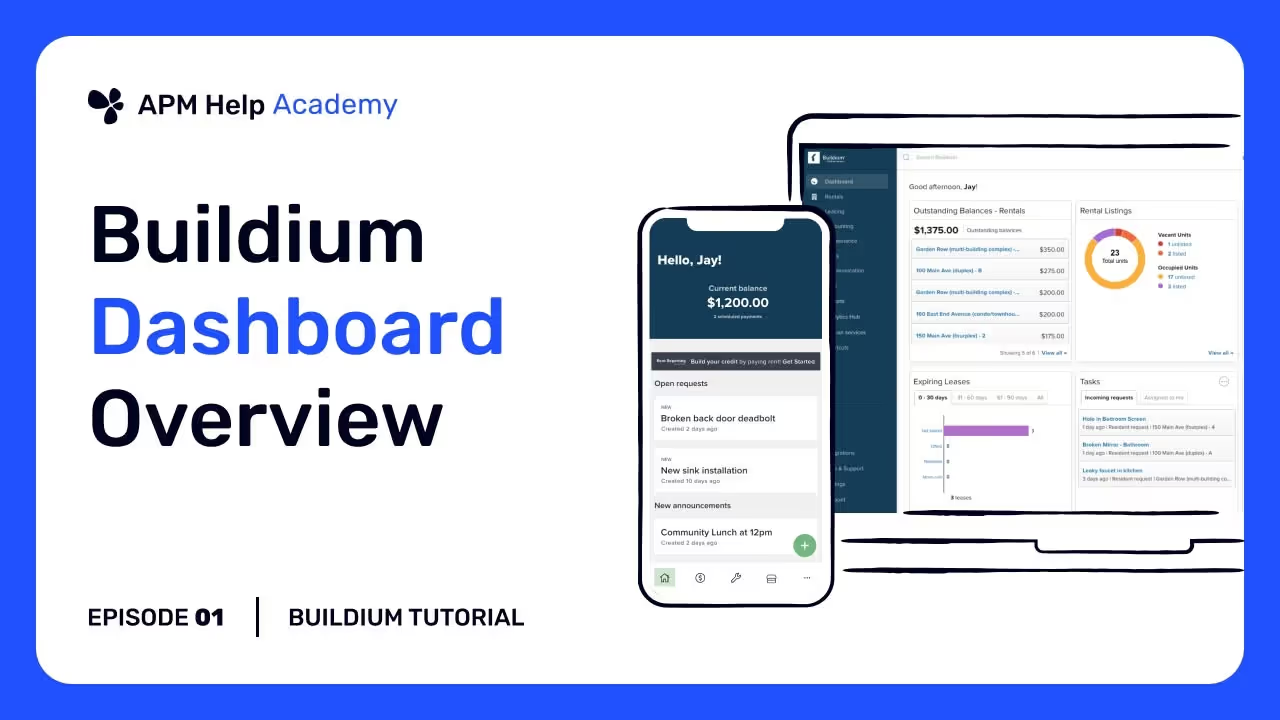
Hello everyone, and welcome back to APM Help Academy. In today’s video, we’re going to go over the best ways tocommunicate with tenants and rental owners in Buildium— including how messages, tasks, and notifications work and how to streamline your outreach within the software.
Where Communication Happens
Buildium offers several built‑in tools for communicating with people connected to your properties:
1. Messages & Email From Buildium
You can send emails directly from almost any screen in Buildium — tenants, owners, staff members, vendors, etc. These emails are tracked in the system and can be seen in profiles and history logs.
2. Tasks with Comments & Updates
Tasks are a big part of communication:
- When you create a task for a maintenance request, owner request, or internal follow‑up, you can add messages and updates right on the task.
- Choose toshare updates with residents and rental owners by email so they’re informed automatically.
This keeps all communication related to a specific issue in one place.
3. Automated Email Notifications
Buildium can send automated notifications when certain actions occur, such as:
- Lease documents sent or signed
- Payments received
- Maintenance request status changes
- Statements and reports shared
You can manage these in Settings → Automated Emails so Buildium sends the right notifications without extra manual work.
Communicating with Tenants
Tenant Portal Messaging
Tenants can receive messages, reminders, and notifications through their Buildium login. They can also see messages related to:
- Maintenance tasks
- Lease documents
- Payment reminders
- Notices from management
Because the tenant sees messages both in their portal and by email, it’s a good idea to use Buildium’s internal messaging so everything stays tracked in their profile.
Sending Emails from the Tenant Profile
When you’re on a tenant’s profile, you can send emails directly and choose whether to send a copy to yourself or other staff. This keeps the communication organized in the tenant’s history.
Communicating with Rental Owners
Owner Portal Messages
Rental owners can log in to their own portal to:
- View financials and statements
- Review documents
- See messages about their properties
Owner messages can be sent individually, or you can use notifications when certain events occur (like a statement being posted).
Owner Requests
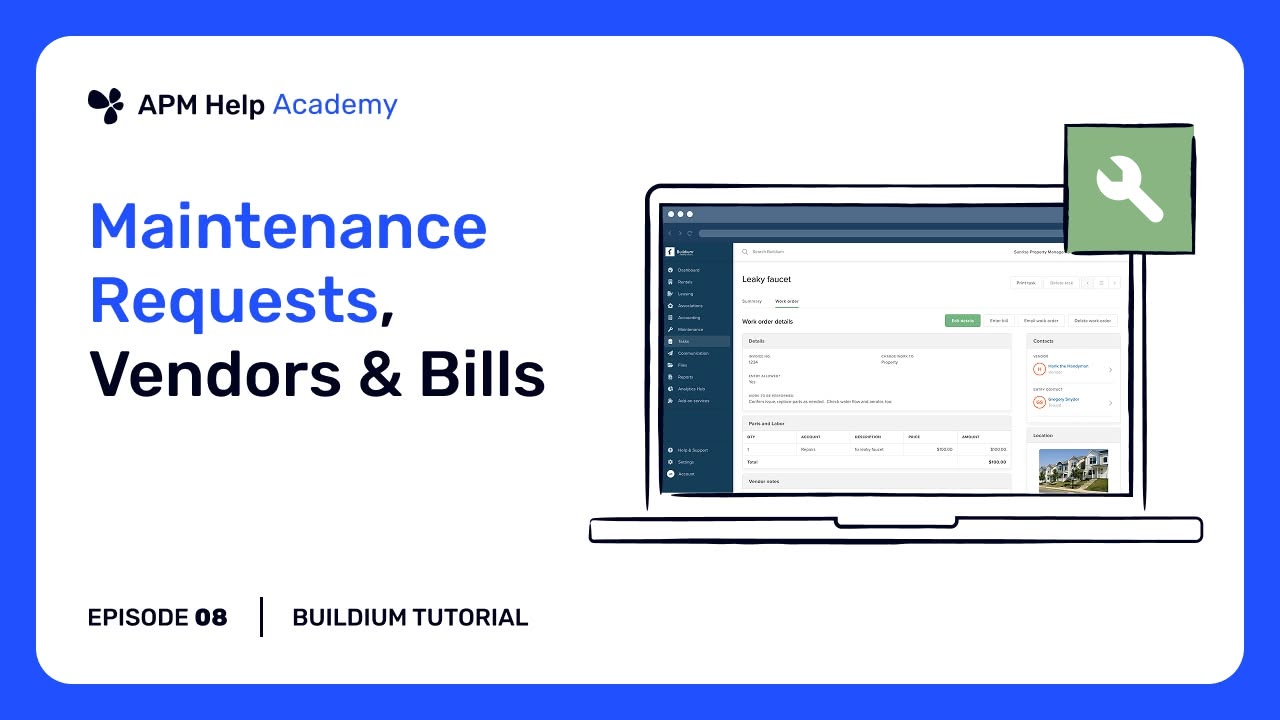
If an owner submits a request (like a question about a lease or financials), that request will show up in Tasks just like a tenant request. You can then reply and update them via Buildium, keeping everything in one tracked conversation.
Best Practices for Communication
Here are some pointers based on common workflows:
- Always use Buildium messaging when possible— it keeps history tied to the profile.
- Use task updates for ongoing issues — people get notified and the whole thread stays within the task itself.
- Keep email templates updated — use consistent language and company branding for outreach.
- Review automated email settings in Buildium so you’re not sending unwanted notifications.
Why It Matters
Good communication in Buildium ensures that:
- Tenants feel informed about payments, maintenance, and documents.
- Owners receive timely updates and reports without extra manual work.
- Your team stays organized with a complete history of conversations tied to each profile and property.
Thank you for watching APM Help Academy, brought to you by APM Help. For questions, visit apmhelp.com or email us at info@apmhelp.com. Don’t forget to like, share, and subscribe for more tutorials.
Rather not do this part yourself?
Most people land on a tutorial because someone has to keep the books straight. That is the work we take on for property management companies full time: rent posted, bills paid, bank accounts reconciled daily, owner statements out on time. We will go through your actual Buildium database and put the findings in writing, at no cost.